AI comic strip generator
AI Comic Generator: Turn Text into Comic Strips
Turn your everyday observations into comics.
Sign in to generate. Up to 5 eligible new accounts per UTC day receive 20 welcome credits, valid for 7 days. Once grants run out, a credit purchase is needed.
Comicly is an AI comic generator that turns plain text into finished comics, and new sign-ups get free welcome credits to try it (limited daily). Type a story, a joke or a short script, pick a style and 1–4 panels, and the AI draws consistent characters with clear speech bubbles. Use it as a text to comic tool, as a quick comic strip maker for social posts, or as an online comic maker when you want to fine-tune every panel. Edit captions and dialogue, then download a PNG that is ready to share. There are no drawing skills to learn and no software to install: Comicly is a comic creator online that takes you from idea to comic strip in a few steps. Whether it is a daily-life gag, a classroom story or a product explainer, this comic maker gets it on the page.
Comic Studio
Describe a scene and generate. One action writes the story, draws panel 1, then draws the rest. Credits are held and kept only if the comic succeeds.
Comic style
Panel layout
Holds 9 credits. Charged only if the comic succeeds.
Example preview · Your comic appears here while it generates
A comic maker for the stories you want to tell
Comicly is an AI comic generator that turns a written idea into illustrated panels with readable dialogue. Use this comic maker to bring a workplace joke, a classroom explanation, or an everyday observation to life without drawing skills. Describe your characters and what happens, choose a visual style, and let the text to comic workflow build your story. The comic strip maker supports one to four panels, from a single reaction to a setup, twist, and punchline. Speech bubbles are typeset separately from the artwork in English or Chinese. Download the finished comic as a PNG for your next post or presentation. Sign in to generate; eligible new accounts can start with limited welcome credits, and additional credits are available in one-time packs.
Real comic examples
Your next post starts with a familiar moment
See workplace jokes and everyday moments as finished comics. Explore the templates, then make a story of your own.
Workplace
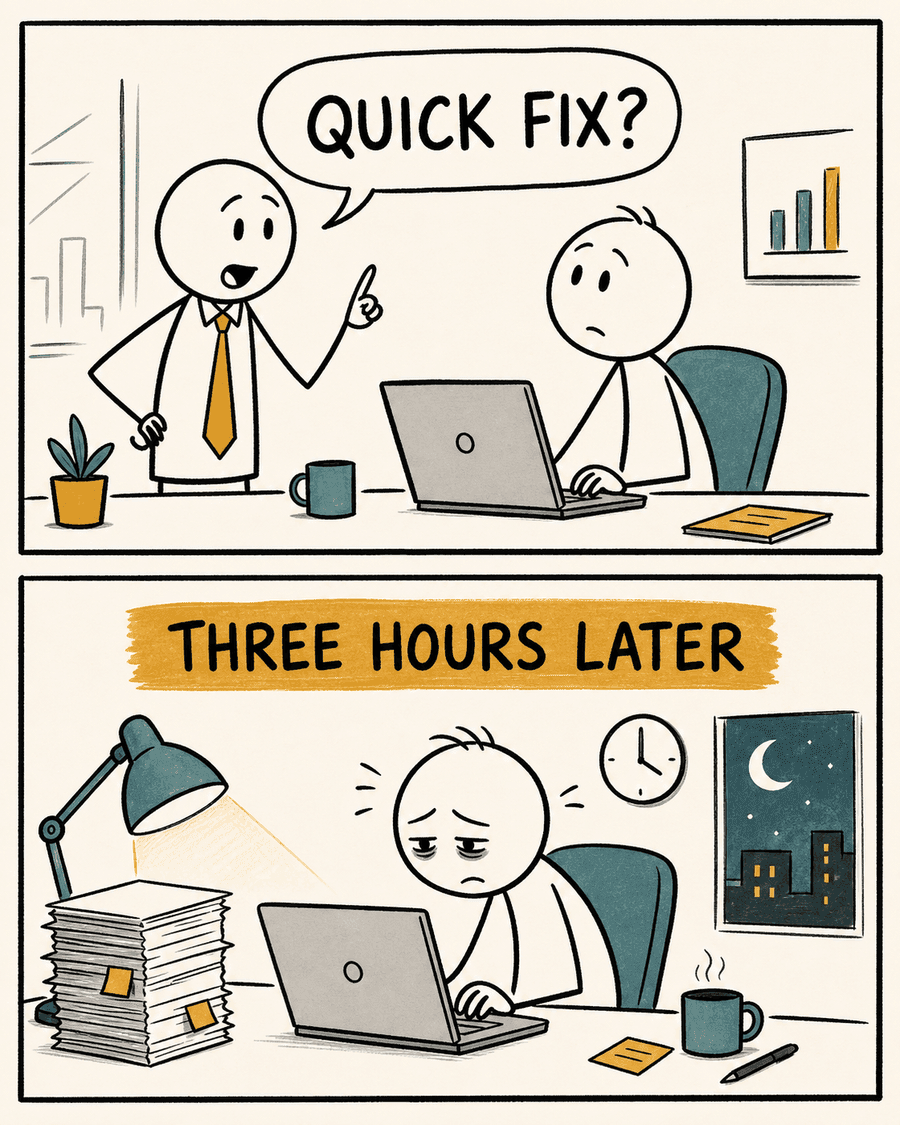
Quick Fix
A two-panel workplace setup and punchline in the default editorial stick-figure style.
Everyday
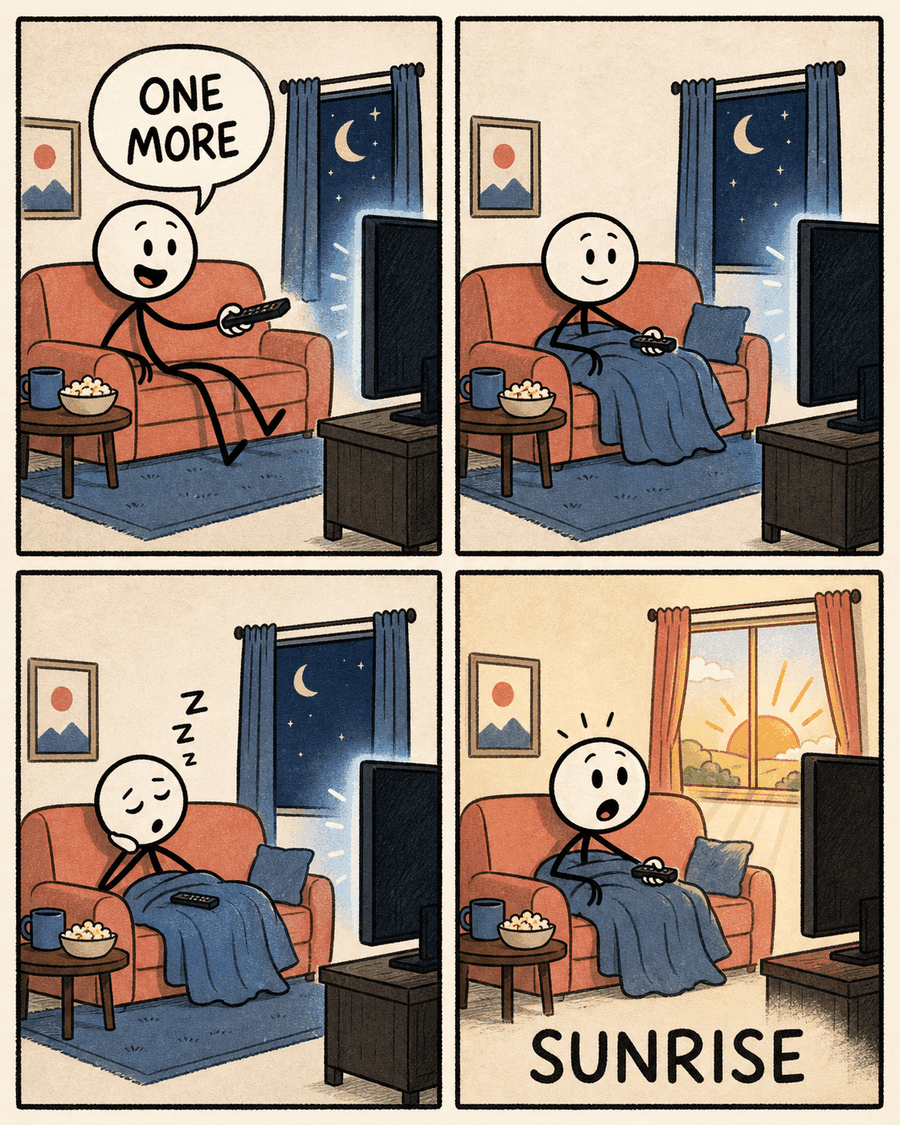
One More Episode
A four-beat everyday story that turns a familiar habit into a compact visual sequence.
Workplace
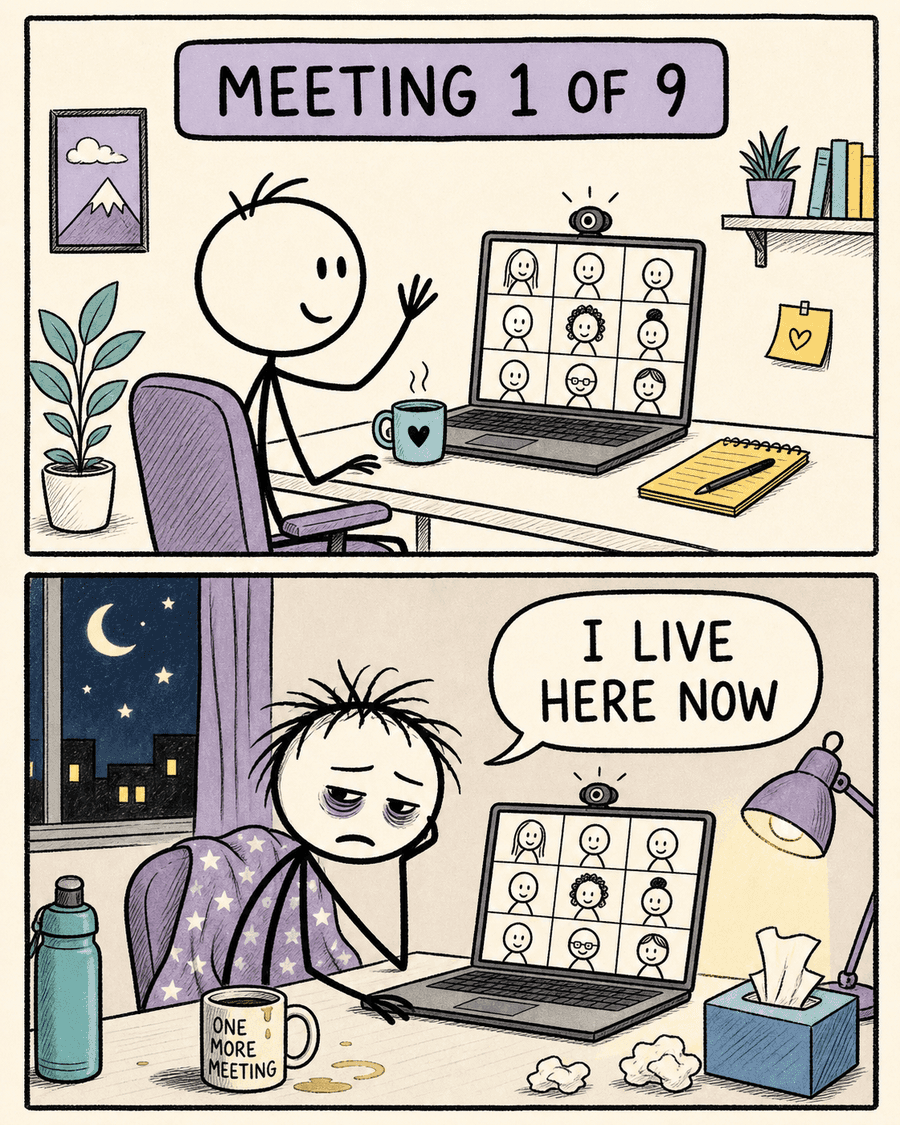
Meeting Day
A relatable social comic that keeps the character and visual language consistent across panels.
Who it's for
One comic workflow, several kinds of stories
Creators
Turn developer moments, workplace observations, and short jokes into comics for your next post.
Educators
Explain a process or compare two ideas in 1–4 panels. Review the downloaded comic before using it in a lesson.
Marketers
Turn a product scenario or expectation-versus-reality idea into a short comic. Download the PNG for your content channels.
Writers
Turn a short story into panels and dialogue. Start with a two-panel setup and punchline, then try a longer sequence.
Choose the visual tone
Editorial stick figure
The signature default: warm paper, uneven black ink, restrained mustard and teal accents, simple figures, and a clean editorial-comic rhythm.
Color cartoon
Bolder outlines, expressive poses, flat colors, and a classic newspaper-comic energy for playful or high-emotion scenes.
Black-and-white manga
A monochrome option for dramatic reactions, sharper pacing, and scenes that benefit from a more cinematic visual language.
Custom direction
Describe a visual direction in plain language when the built-in styles do not match the tone of your idea.
Match the layout to the idea
Single panel
Best for one reaction, one quote, or a visual observation that does not need a sequence.
Two panels
Use a clear setup and payoff, before and after, or expectation and reality contrast.
Three panels
Add a middle beat for escalation, explanation, or a change in the character's understanding.
Four panels
Give a short story enough room for setup, development, reaction, and a final punchline.
How it works
From idea to finished comic strip
01
Write a short story
Start with a workplace joke, an everyday twist, or a template. Choose two panels for a setup and punchline, or four for a short story.
02
Generate in one step
One action writes the storyboard, draws panel 1, then draws the remaining panels. Progress stays on those stages. If a stage fails or times out, retry that step. Credits are held and refunded unless the comic succeeds.
03
Download your comic and share it
Artwork, dialogue, and panels come together in one PNG. Review the result, download it, and post it wherever you share. Downloads cost no extra credits.
Clear words, readable punchlines
Chinese and English speech bubbles are typeset separately from the artwork, so lettering does not depend on the image model.
Consistent panels
Later panels reference the opening scene to give recurring characters and environments a stronger visual connection.
Publish-ready PNG
Artwork, panel framing, speech bubbles, and typography are composed into one clean image ready to download.
AI comic creator FAQ
Before you make your first comic
What is an AI comic strip generator?
An AI comic strip generator turns a written idea into a sequence of illustrated panels. Comicly.app does that in one action: it writes the storyboard, draws the first panel, then draws the rest, and shows each stage while it works.
Is the dialogue drawn into the image?
No. The image model creates text-free artwork, and speech bubbles are rendered separately so the words stay clear. Generation is one action: write the story, draw panel 1, then draw the rest.
Which comic styles are available?
The current styles are editorial stick figure, color cartoon, black-and-white manga, and a custom style direction. Editorial stick figure is the default because it produces a recognizable social-comic look with restrained color and readable visual pacing.
How many panels can a comic have?
A storyboard can contain one, two, three, or four panels. Two panels work well for a direct setup and punchline, three panels add escalation, and four panels provide enough space for a compact narrative sequence.
How do credits work?
A comic is one hold: 1 credit for the storyboard plus 4 credits per panel on GPT Image 2.5 at 1K, so a two-panel comic is 9, a three-panel comic is 13, and a four-panel comic is 17. The hold is kept only if the comic succeeds. If a step fails or times out, the full hold is refunded. Downloading the PNG does not cost extra credits.
Can I start without a credit card?
Sign in to generate. Up to 5 eligible new accounts per UTC day receive 20 welcome credits, valid for 7 days. Once grants run out, a credit purchase is needed. No card is required to sign up. At default settings, 20 credits cover two two-panel comics or one four-panel comic. Purchased credits do not expire.
Who owns the comics I make?
You can use the comics you create with Comicly for personal and commercial projects, including social media, marketing, and merchandise. You download them and choose where to publish them. Comicly.app does not add them to a public gallery for you. You are responsible for the text and reference content you provide, and for checking the result before you post it. This is not a separate copyright assignment, and use is subject to the terms of the upstream AI model providers.
Can I use my comics commercially?
Yes. You can use the comics you create with Comicly for personal and commercial projects, such as social media, marketing, presentations and merchandise. You are responsible for what you create: make sure your prompts, uploaded images and the final comics don't infringe anyone else's copyright, trademark or likeness rights. Use is also subject to the terms of the AI models that power Comicly. See our Terms of Service for details.
Can I create comics in Chinese and English?
Yes. The storyboard supports Chinese and English dialogue. Panel art is generated without text, then dialogue is composed separately, which avoids relying on the image model to spell words correctly inside the artwork.
What happens when a panel fails to generate?
If the story or a panel fails, the comic is only partially delivered, or the job times out, the full credit hold is returned. Failed jobs can be retried. A successfully delivered comic that does not match your taste is not a technical failure.
Start a comic without a subscription
Make your next post a comic. Buy credits when you need them, with no subscription. Purchased credits never expire.