Interactive AI Comic Creator
AI Comic Maker: Design, Edit & Export Custom Comics
Generate a comic strip, then edit every panel, caption, and speech bubble — you stay in complete creative control.
Comic Studio
Describe a scene and generate. One action writes the story, draws panel 1, then draws the rest. Credits are held and kept only if the comic succeeds.
Comic style
Panel layout
Holds 9 credits. Charged only if the comic succeeds.
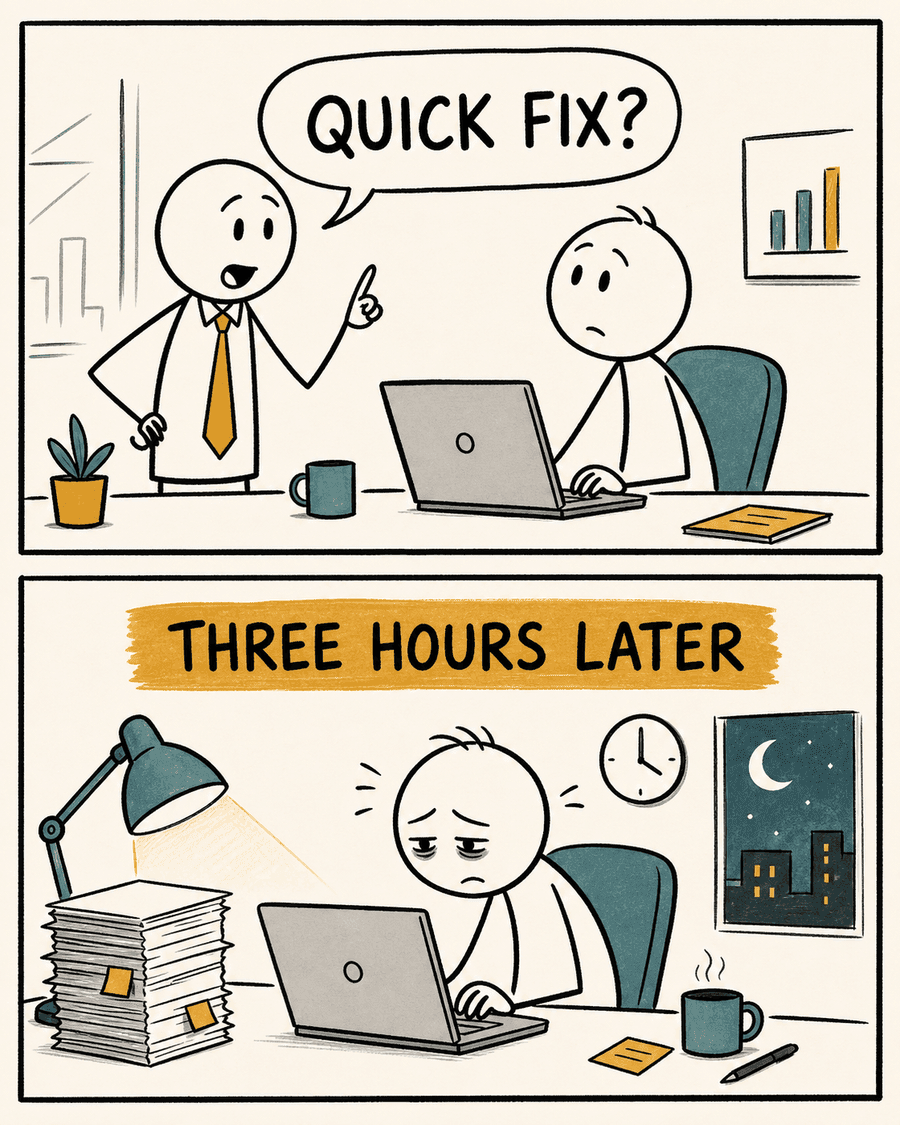
Example preview · Your comic appears here while it generates
Step-by-Step Workflow
How the AI Comic Maker Works
Unlike rigid image generators that output flat raster graphics with unreadable gibberish text, our AI comic maker decouples prompt composition, panel rendering, and typography overlay into a seamless three-step studio workflow.
01
Script Your Idea & Pick Layout
Describe your scene in plain English or Chinese. Choose from single-panel gag, 2-panel setup-punchline, 3-panel escalation, or 4-panel narrative grid.
02
Fine-tune Panels & Edit Speech Bubbles
Review the structured storyboard. Adjust character actions, refine dialogues, reposition captions, and modify speaker lines before rendering.
03
Generate Text-Free Art & Export High-Res PNG
Our AI renders clean, high-contrast panel art while our vector SVG engine stamps sharp, crisp typography on top. Download publish-ready PNG in seconds.
Full Creative Control
Edit Every Panel, Caption, and Speech Bubble
The biggest frustration with generic AI image models is the 'black-box randomness'—one typo in your generated speech bubble ruins the entire artwork. Comicly's AI Comic Maker solves this permanently through deterministic layout separation.
When you generate a storyboard, you can inspect each character's prompt traits, rewrite individual dialogue lines, change the speaking sequence, and adjust emotional tones. If a joke needs tighter timing, simply tweak the text without burning extra GPU credits or regenerating the visual backgrounds.
Precision Speech Bubble Control
Clean white bubbles with direction tails point accurately to your characters. Typography is rendered dynamically with perfect contrast.
Panel-by-Panel Prompts
Modify specific panel visual actions independently to direct cinematic angles, close-up reactions, or wide establishing shots.
Character Trait Persistence
Keep character hair, clothing colors, and silhouette markers consistent across every panel of your strip.
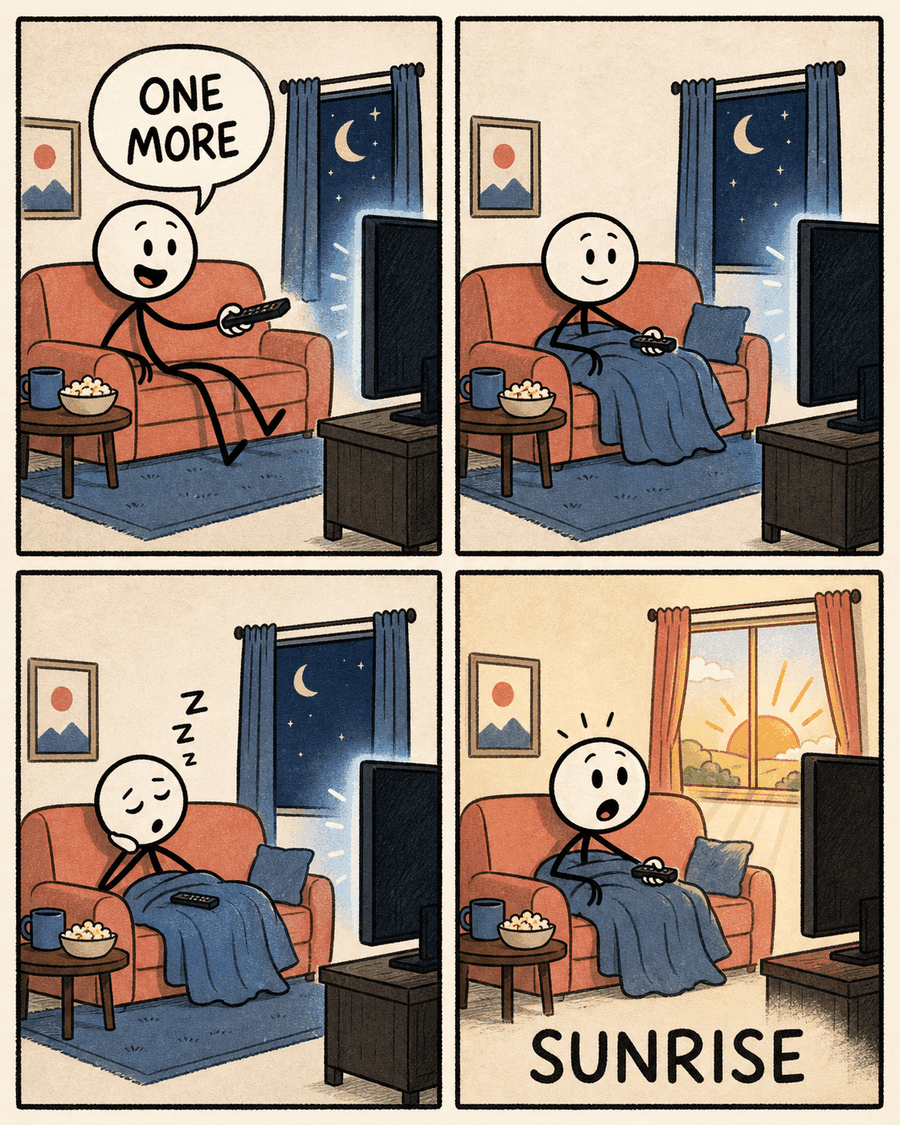
Artistic Versatility
Choose Your Signature Comic Style
Every story demands a distinct visual atmosphere. Select curated aesthetic presets optimized for clarity and comic timing:
Editorial Stick Figure
Warm textured ivory paper, expressive uneven black ink, and restrained mustard/teal color accents. Perfect for startup commentary, dev humor, and relatable office situations.
Classic Newspaper Cartoon
Bold black outlines, dynamic character expressions, and vibrant flat colors reminiscent of classic Sunday funnies.
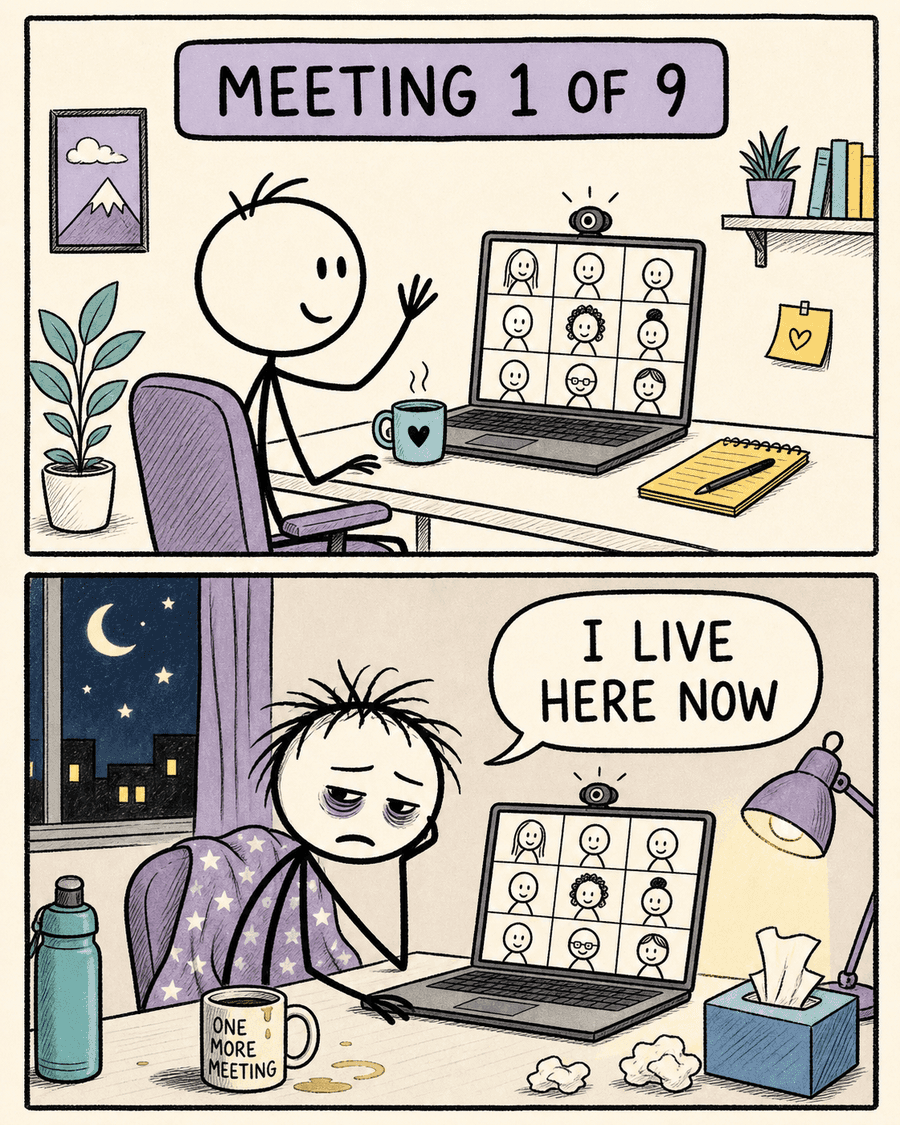
Japanese Manga (B&W)
High-contrast screentone shading, action speed lines, and emotive anime faces tailored for dramatic storytelling.
Custom Style Prompting
Define your own color palettes, rendering mediums (watercolor, retro synthwave, cyber-noir), and stylistic guidelines.
Who It's Built For
What You Can Make with the AI Comic Maker
Viral Social Media Strips
Craft relatable vertical strips for X (Twitter), LinkedIn, Instagram, and Reddit that capture attention in fast-scrolling feeds.
Educational & Technical Explanations
Break down complex engineering architectures, onboarding concepts, or product release notes into engaging visual metaphors.
Brand Marketing & Editorial Memes
Humanize your company brand with self-aware humorous comic strips highlighting customer pain points and product solutions.
Creative Storyboarding
Rapidly prototype visual concepts, video scripts, and game character interactions before investing in full production.
Why We Are Different
AI Comic Maker vs. One-Click Image Generators
Generic text-to-image tools treat comics as a single flat illustration, resulting in broken letters, mismatched character faces, and zero post-generation flexibility.
| Feature | Comicly AI Comic Maker | Generic AI Generators (Midjourney/DALL-E) |
|---|---|---|
| Panel Layout Flexibility | 1 to 4 customizable panel grids | Single square/rectangle with arbitrary borders |
| Text & Dialogue Quality | 100% crisp, typo-free vector typography | Garbled text, hallucinated letters |
| Post-Gen Dialogue Editing | Edit any line anytime without re-rendering | Must re-generate whole image and pray |
| Character Consistency | Structured trait injection across panels | Characters change faces and clothes every frame |
| Social & Print Export | Instant transparent/high-res PNG download | Manual cropping and manual Photoshop editing required |
Frequently Asked Questions
Everything You Need to Know About AI Comic Maker
Can I edit dialogue and speech bubbles after generating the comic?
Yes. Edit the dialogue in the storyboard before you generate, and you can still change those lines in the studio after the art is ready and download again. Editing dialogue and downloading the PNG do not cost extra credits. The downloaded file itself is a PNG, so later wording changes happen in the studio, then you download a new file.
How long does it take to make a comic strip?
Draft the storyboard, edit the dialogue, then generate the panels. Image generation usually takes a few minutes. Comicly.app does not promise a fixed number of seconds.
Can I use the comics generated with the AI Comic Maker for commercial purposes?
Yes. You can use the comics you create with Comicly for personal and commercial projects, such as social media, marketing, presentations and merchandise. You are responsible for what you create: make sure your prompts, uploaded images and the final comics don't infringe anyone else's copyright, trademark or likeness rights. Use is also subject to the terms of the AI models that power Comicly. See our Terms of Service for details.
How do I choose between 1-panel and 4-panel layouts?
Use 1-panel for single punchy visual gags or meme reactions; use 2-panel for 'Expectation vs. Reality' or setup-and-punchline jokes; use 3-panel for sequential workflows (Beginning, Twist, Resolution); and use 4-panel for rich narrative storytelling with character development.
Do I need to install any software or design tools?
No installation required. Comicly operates entirely in your web browser on desktop, tablet, and mobile devices.
Is the AI Comic Maker free to use?
Yes, we offer free credits to get started with no credit card required. You can draft storyboards, generate panels, and export high-resolution PNGs immediately.